Understanding Warnings · 6 min read · Updated Nov 2026
How to Read Car Dashboard Warning Messages
Where warning messages appear, how to capture the exact wording, what symbols and colors add, and how to match the message to your model-year manual.
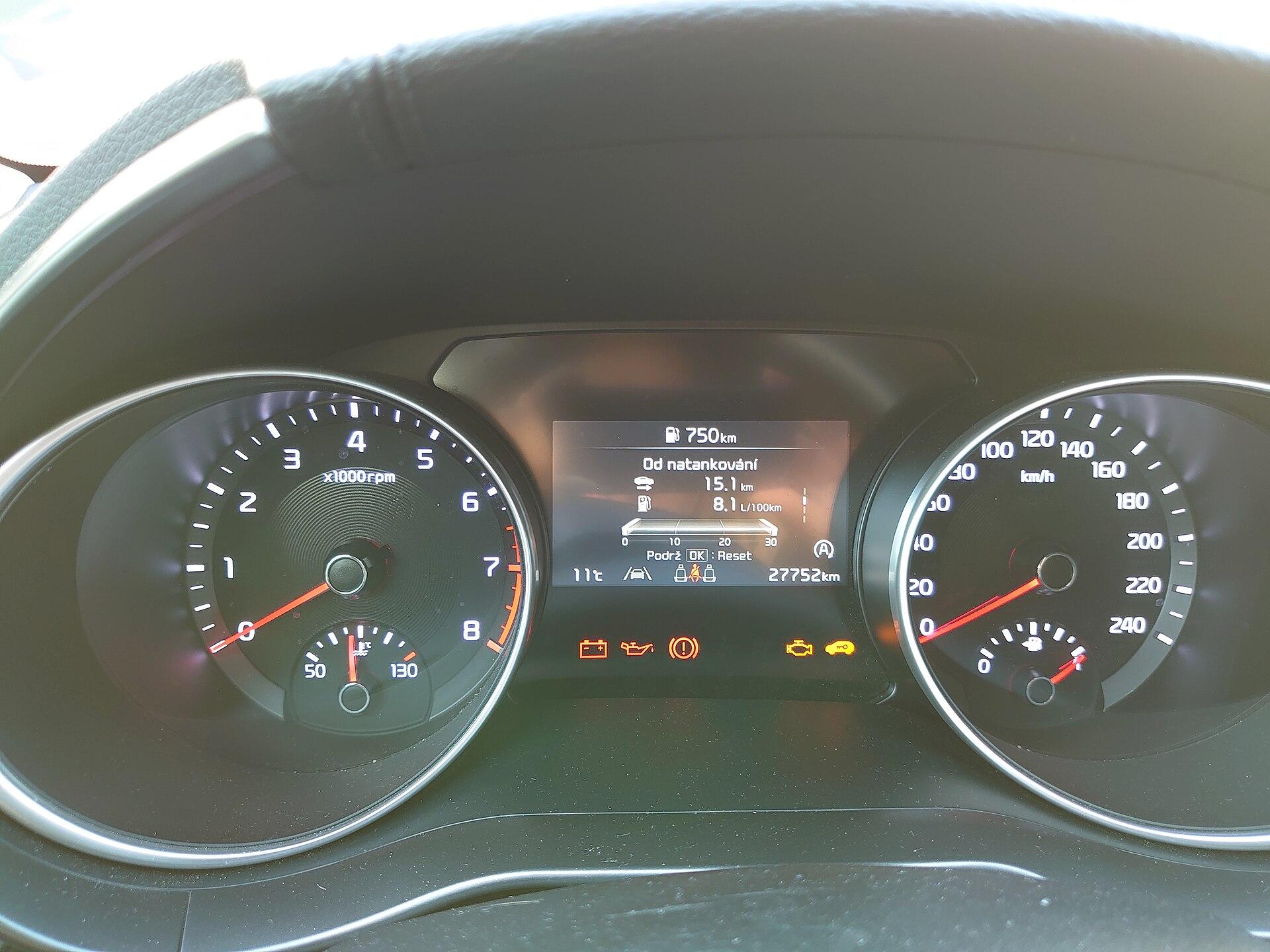
Modern cars do not just light up a symbol. Most now print a short text message on the instrument cluster or center screen, often next to a warning light and a chime. Reading that message carefully, and matching it to the right manual, tells you far more than the symbol alone.
Where the Message Appears
- Instrument cluster display (the screen between the speedometer and tachometer). This is where most text warnings appear, often in a pop-up that disappears after a few seconds.
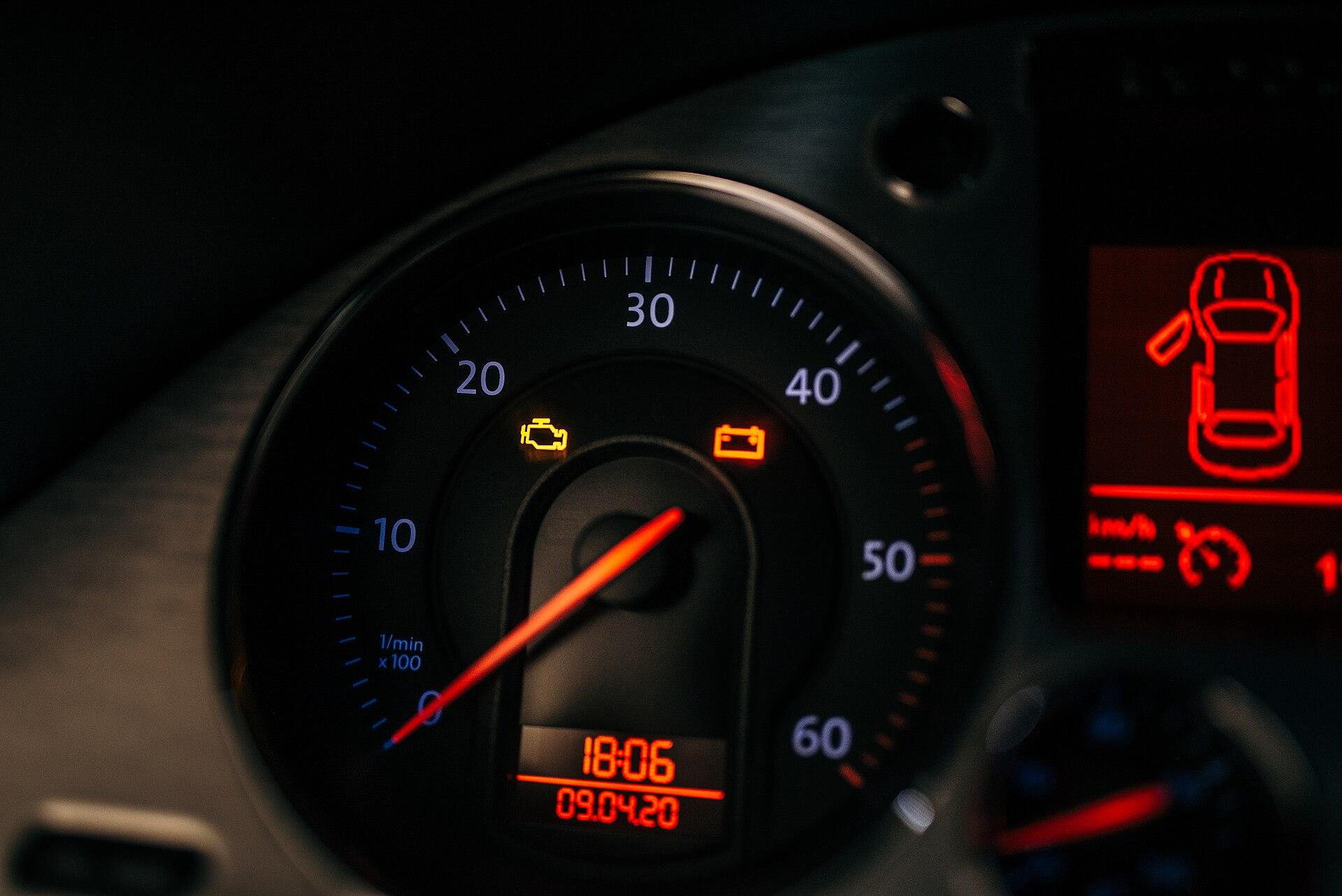
- Warning light row. Fixed symbols that light up in red, amber, green or blue. A text message often explains a light that came on at the same time.
- Center touchscreen. Some newer vehicles show warnings or a vehicle-health report on the infotainment screen or in the manufacturer's app.
- Head-up display, on cars that have one, may repeat urgent warnings.
Pop-ups that vanish are easy to miss. Many cars keep a list of active messages you can scroll back to in the cluster menu (often under “Information”, “Vehicle” or “Messages”).
How to Capture Exact Wording
Small differences matter. “Parking Support Brake Unavailable” on a Toyota usually points to a temporary condition such as a dirty sensor, while “Parking Support Brake Malfunction” points to a system fault that needs a dealer.
- When it is safe and the car is stopped, take a photo of the message and any lights.
- Write down when it appeared: on start-up, at speed, in rain or snow, after a battery change, after a bump.
- Note whether it went away by itself, after a restart, or stayed on.
- Note anything the car did differently: braking feel, steering, noises, power loss, smells.
This record is what a technician needs, and it makes looking up the message much more reliable.
What Symbols and Colors May Add
Symbol colors follow a broad convention set out in the international standard ISO 2575 and in U.S. Federal Motor Vehicle Safety Standard No. 101: red for danger or a problem needing immediate attention, amber/yellow for caution or a fault that needs attention soon, and green or blue for information, such as a system being switched on.
A flashing light is usually more urgent than a steady one. The classic example is the check engine light: steady means get it checked; flashing means a misfire severe enough to damage the catalytic converter. See red vs yellow warning lights.
How to Match Your Model-Year Manual
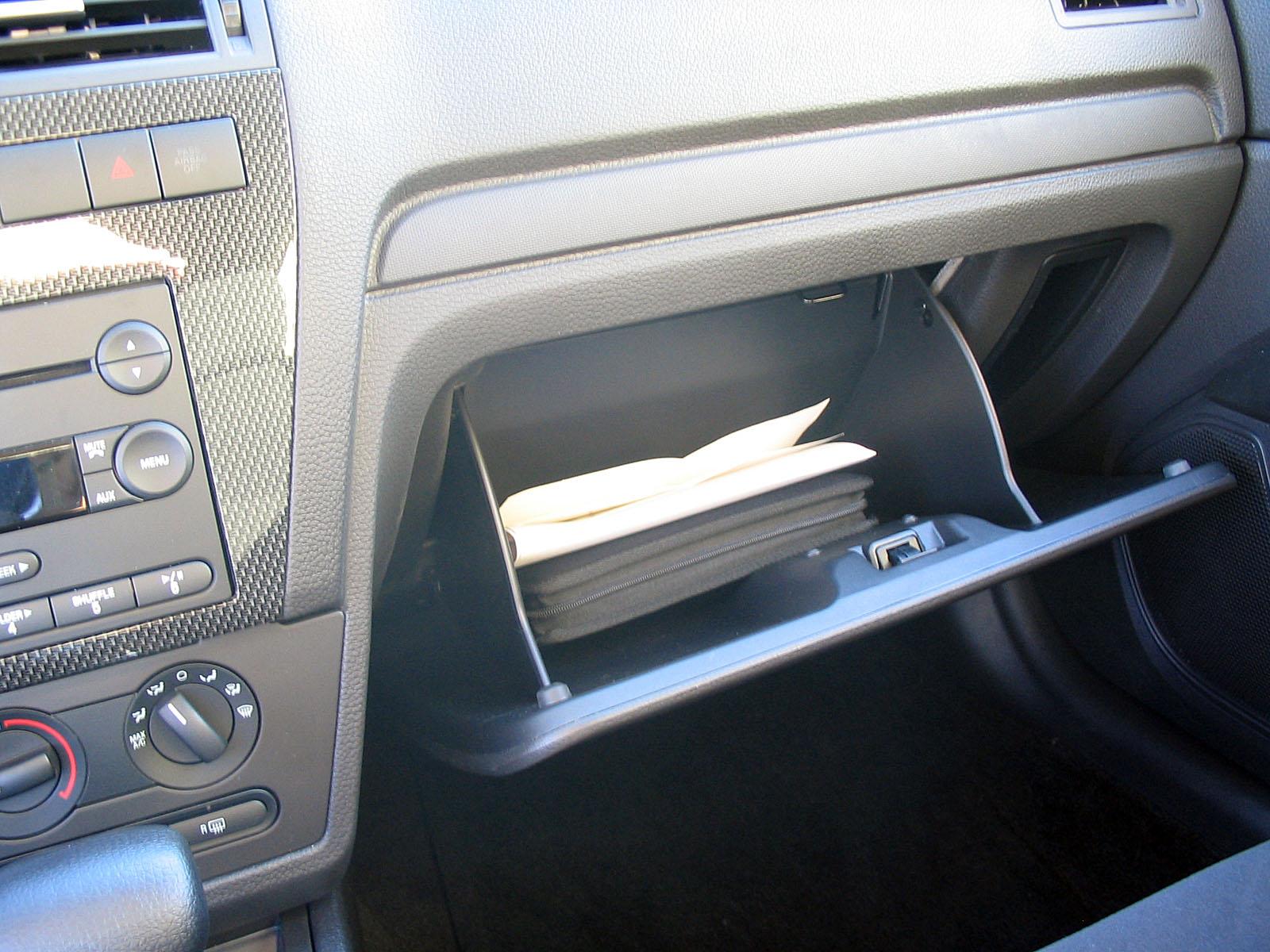
The same system can carry different messages across years. Ford, Toyota, Honda and Nissan all publish free digital owner's manuals by year and model. Look for the chapter called something like “Warning lights and indicators”, “Information displays”, “Message indicators” or “Warning messages”. In a PDF, search (Ctrl+F) for one distinctive word from the message. Full steps are in how to find your car owner's manual online.
When to Seek Help
- Any red warning, or any warning combined with a change in braking, steering or engine behavior: stop safely first.
- A message that returns after a restart and after the obvious condition (snow, dirt) is gone.
- Several unrelated warnings at once, which often points to low battery voltage or a communication fault.
- A message the manual tells you to “have inspected” or “contact your dealer” about.
Warning messages in this guide
Service AdvanceTrac
Ford's AdvanceTrac stability and traction control has detected a condition that needs service, and the system may be switched off. Normal brakes and steering still work, but you lose skid protection, so drive gently, especially on wet or icy roads, and have a dealer check it as soon as possible.
Parking Support Brake Malfunction
Toyota's Parking Support Brake (PKSB), which automatically brakes at low speed to avoid hitting obstacles or crossing traffic, has a fault. Your normal brakes are unaffected. If the message says “Unavailable”, clean the bumper sensors first; if it reports a malfunction, have a dealer inspect it.
Adaptive Cruise Not Available Sensor Blocked
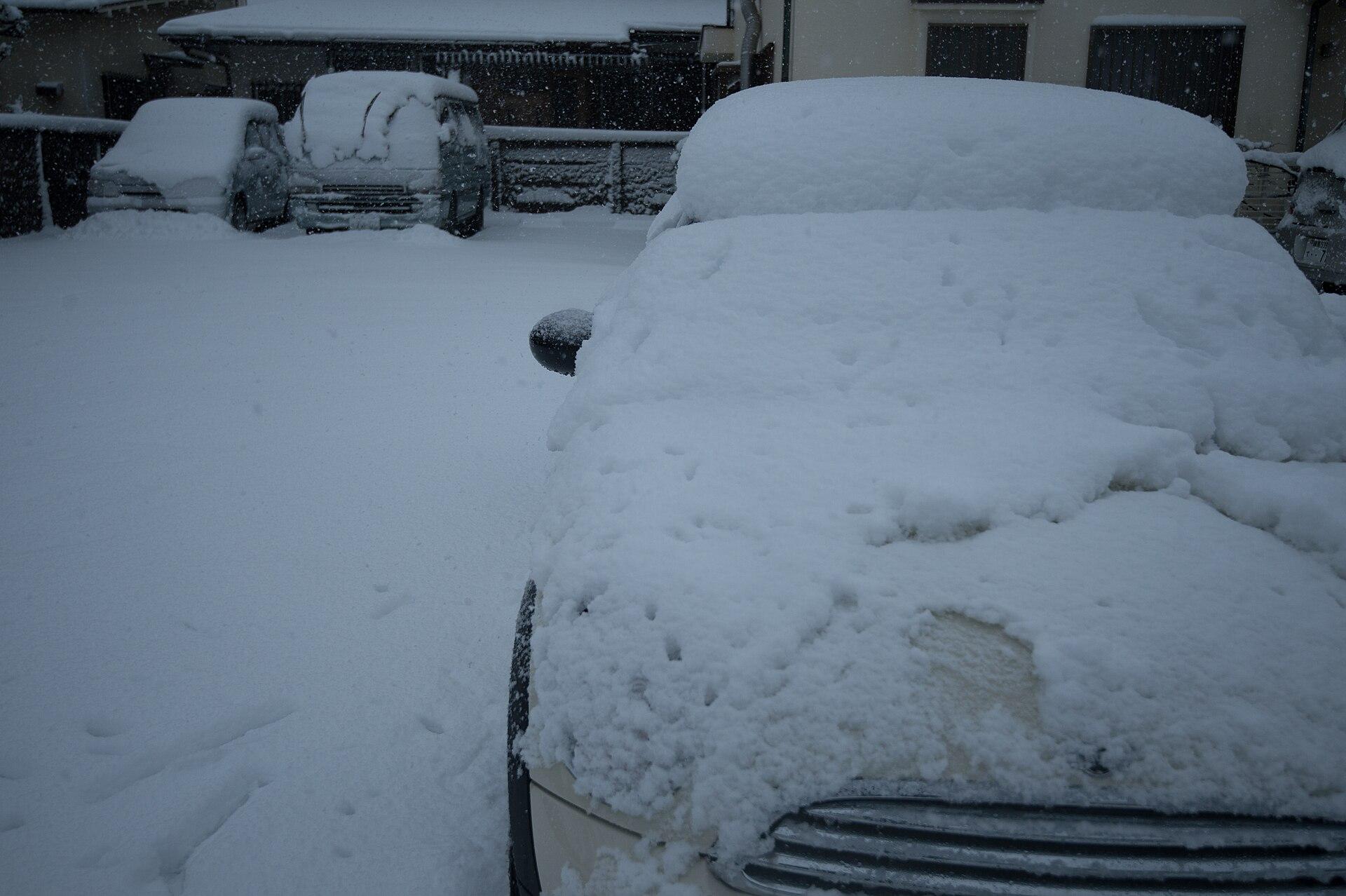
Something is covering the front radar, usually snow, ice, mud, bugs or heavy rain, so adaptive cruise control has switched off. The car drives normally. Clean the radar area in the grille or lower bumper and the message should clear; if it stays on with a clean sensor, see a dealer.
Check AWD
The all-wheel-drive system isn't working properly and has usually defaulted to front-wheel drive. You can drive with care, but you lose AWD traction. Avoid towing, snow and off-road driving, and see a dealer if the message stays on or keeps coming back.
Frequently asked questions
How can I see a warning message again after it disappears?
Many vehicles keep active warnings in a menu on the instrument cluster, often under Information, Vehicle or Messages. Check the information-display section of your owner's manual for the exact menu.
Is the text message or the warning light more important?
Read them together. The light shows the system and general urgency by color; the text gives the specific condition and often the action to take, such as 'Stop safely' or 'See owner's manual'.
Why does my manual not list the exact message?
You may have the manual for a different year or trim, or the message may be described in a system chapter rather than a warning list. Search the PDF for one key word, or ask a dealer service department.