Toyota Dashboard Warning Messages & Troubleshooting
Toyota vehicles show warnings on the multi-information display, usually as a short message plus a symbol and a buzzer. Many relate to Toyota Safety Sense, the driver-assistance package that uses a front radar and windshield camera.
Toyota uses two words worth knowing: “Unavailable” usually means a temporary condition (dirt, weather, temperature), while “Malfunction” or “Visit Your Dealer” means a fault.

Common Toyota Warning Messages
- Pre-Collision System MalfunctionToyota, LexusService soon
- Parking Support Brake MalfunctionToyota, LexusService soon
- Smart Key System MalfunctionToyota, LexusService soon
- Braking Power LowToyota, LexusStop safely
- Parking Assist UnavailableLexus, ToyotaCheck first
- Check Engine LightToyota, Ford, Honda, NissanService soon
- Low Oil Pressure WarningToyota, Ford, Honda, NissanStop safely
- Engine Overheating / High Coolant TemperatureToyota, Ford, Honda, NissanStop safely
- Low Tire Pressure Warning (TPMS)Toyota, Ford, Honda, NissanCheck first
- ABS Warning LightToyota, Ford, Honda, NissanService soon
- Brake System Warning LightToyota, Ford, Honda, NissanStop safely
- Airbag (SRS) Warning LightToyota, Ford, Honda, NissanService soon
- Battery / Charging Warning LightToyota, Ford, Honda, NissanStop safely
- Traction / Stability Control LightToyota, Ford, Honda, NissanService soon
- Key Not DetectedToyota, Ford, Honda, NissanCheck first
| Message on the display | What it generally means |
|---|---|
| Pre-Collision System Malfunction Visit Your Dealer | PCS has a fault and is off. Dealer inspection. |
| Pre-Collision System Unavailable Clean Sensor | The radar or camera is dirty or iced. Clean it. |
| Front Camera Unavailable | The windshield camera can't see (fog, sticker, heat, sun). Usually temporary. |
| Braking Power Low Stop in a Safe Place | Brake assist is reduced. Stop and get help. |
| Parking Support Brake Unavailable | Bumper sensors dirty or iced. Clean them. |
| Smart Key System Malfunction See Owner's Manual | Fault in the keyless system. Dealer inspection. |
| Key Battery Low Replace Key Battery | Replace the key fob's coin-cell battery. |
| Oil Maintenance Required | Oil-change reminder (about every 5,000 miles on many models). Reset after service. Not a fault. |
Safety and Driver Assistance
Most Toyota driver-assistance messages come from two sensors: the radar behind the front emblem and the camera at the top of the windshield. Snow, ice, bugs, heavy rain, a hot cabin or low sun can make features temporarily unavailable. A message that stays after cleaning and a restart in clear conditions points to a fault.
Toyota manual content depends on the safety-system software version, so use the manual that matches your vehicle.
Toyota Safety Sense (TSS)
Versions TSS-P, 2.0, 2.5, 2.5+ and 3.0. Includes Pre-Collision System, Lane Departure Alert / Lane Tracing Assist, Dynamic Radar Cruise Control, Road Sign Assist and Automatic High Beams.
Pre-Collision System (PCS)
Automatic emergency braking with pedestrian detection (and cyclist/motorcycle on newer versions).
VSC and TRAC
Vehicle Stability Control and Traction Control, Toyota's stability system.
Smart Key System
Keyless entry and push-button start, with a backup start by touching the key to the start button.
Parking Support Brake (PKSB)
Low-speed automatic braking using the bumper sonar and, on some models, rear radar.
Blind Spot Monitor / RCTA
Rear corner radars for blind-spot and rear cross-traffic alerts.
Electrical and Key Alerts
The Smart Key System messages range from a simple low key battery to “Smart Key System Malfunction”, which needs a dealer. If the key isn't detected, touch the key to the power/start button while pressing the brake to start the car.
After the 12-volt battery is disconnected, Toyota manuals list items to initialize, such as power windows, the moon roof and, on some models, the power back door and TPMS. A red charging-system light means the alternator isn't charging.
How to Find the Official Toyota Manual
- Go to toyota.com/owners and choose Manuals & Warranties.
- Select your model, then the model year.
- Open or download the Owner's Manual (also available: Navigation/Multimedia manual and Warranty & Maintenance Guide).
- In the manual, look for the chapter “When trouble arises” → “If a warning message is displayed”.
- Signed in to a Toyota account with your VIN saved, you can see the manuals for your exact vehicle.
Related Guides
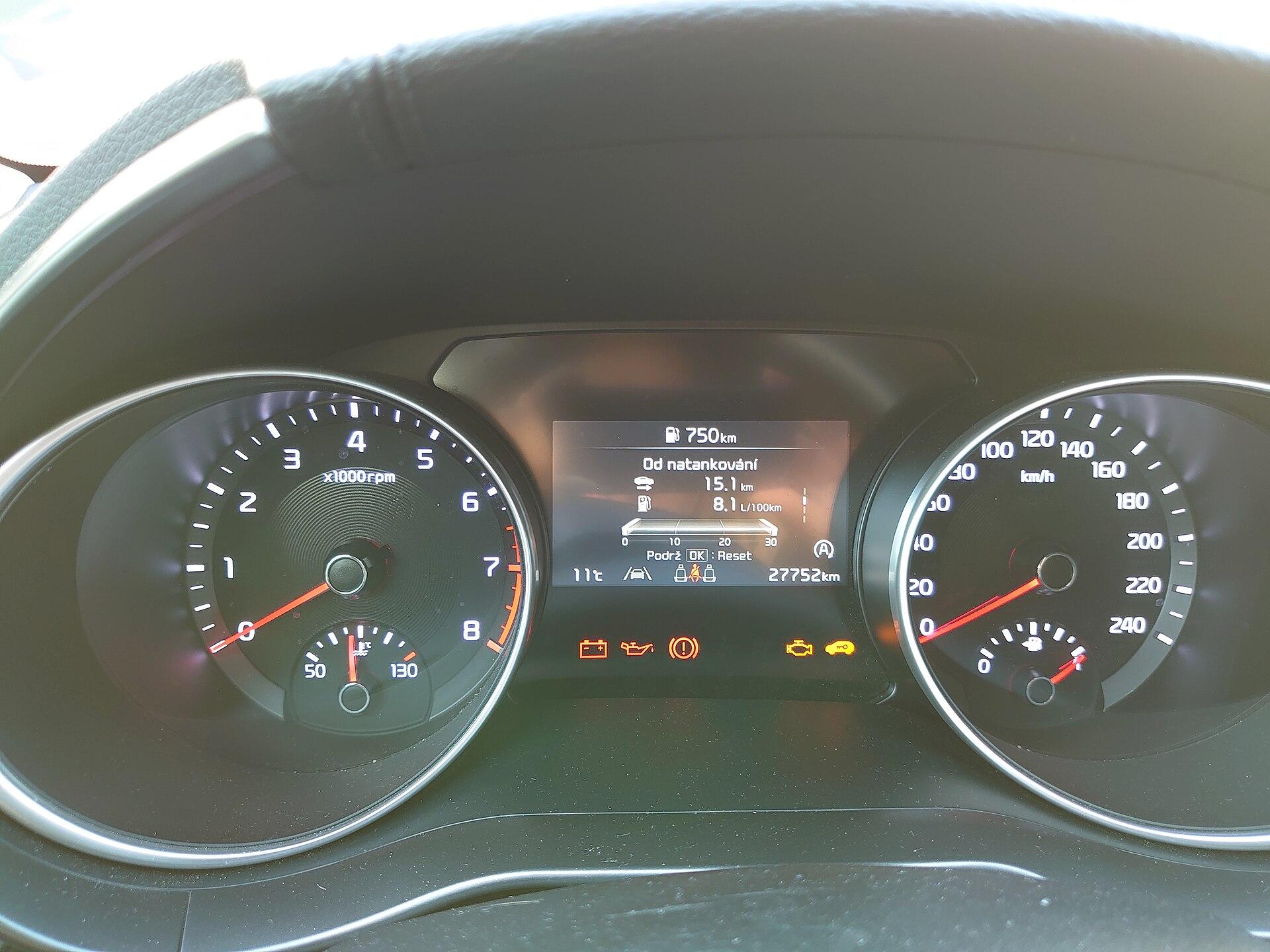
Understanding Warnings
How to Read Car Dashboard Warning Messages
Where warning messages appear, how to capture the exact wording, what symbols and colors add, and how to match the message to your model-year manual.
6 min read
Manuals & Recalls
How to Find Your Car Owner’s Manual Online
Find your exact year and model, download the official manual from Toyota, Ford, Honda, Nissan and other owner portals, and jump straight to the warning-message section.
6 min read
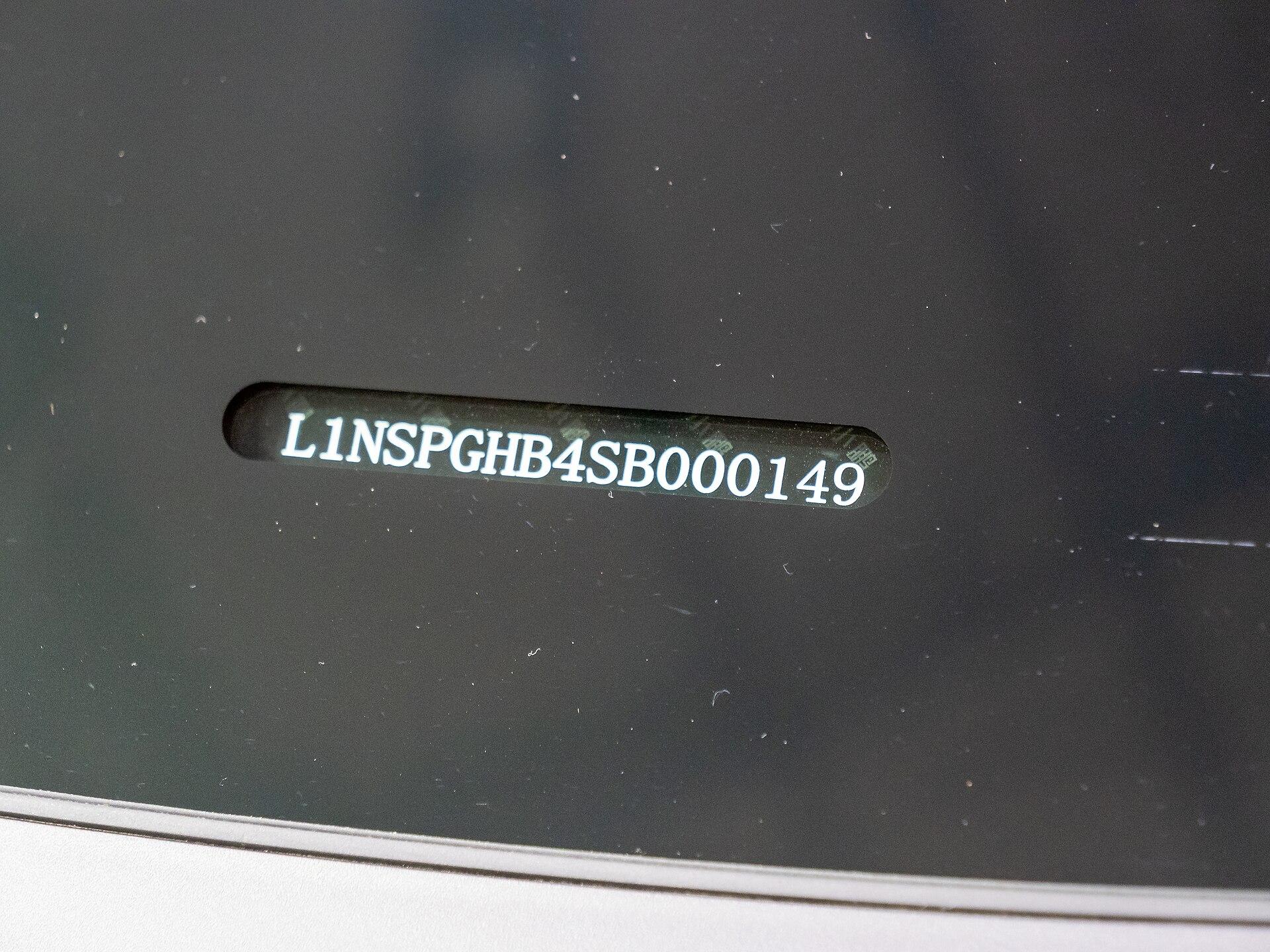
Manuals & Recalls
How to Check Vehicle Recalls Using Your VIN
Find your 17-character VIN, look it up on NHTSA's free recall tool, understand what an open recall means and why a warning message is not proof of a recall.
5 min read